Notifications
The bell in the dashboard header - new orders, customer registrations, and product reviews as they happen.
A bell sits in the top bar of every dashboard page. When something happens in your store - an order comes in, a customer signs up, someone leaves a review
- a badge appears on it with a count. New activity arrives on its own while you work, so there is nothing to refresh.

The bell and its dropdown
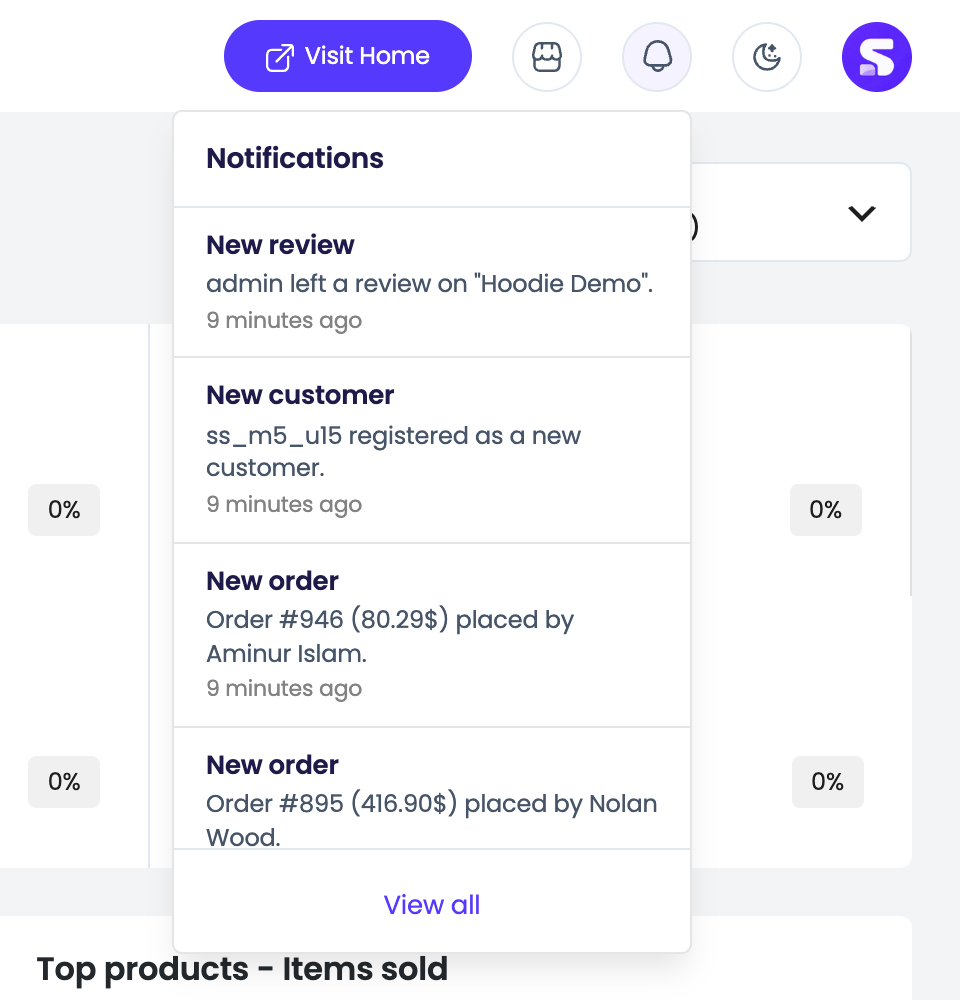
The badge counts your unread notifications, and reads 9+ once you pass nine. Click the bell for a panel with your five most recent notifications, each showing what happened, a short detail line (the order number and total, the customer’s name, the product that was reviewed), and how long ago it was.
Click any notification to jump straight to the thing it is about. View all at the bottom of the panel opens the full page.
Opening the dropdown marks it read
Everything in the panel is marked as read as soon as it opens, and the badge clears - no extra click needed.
The notifications page
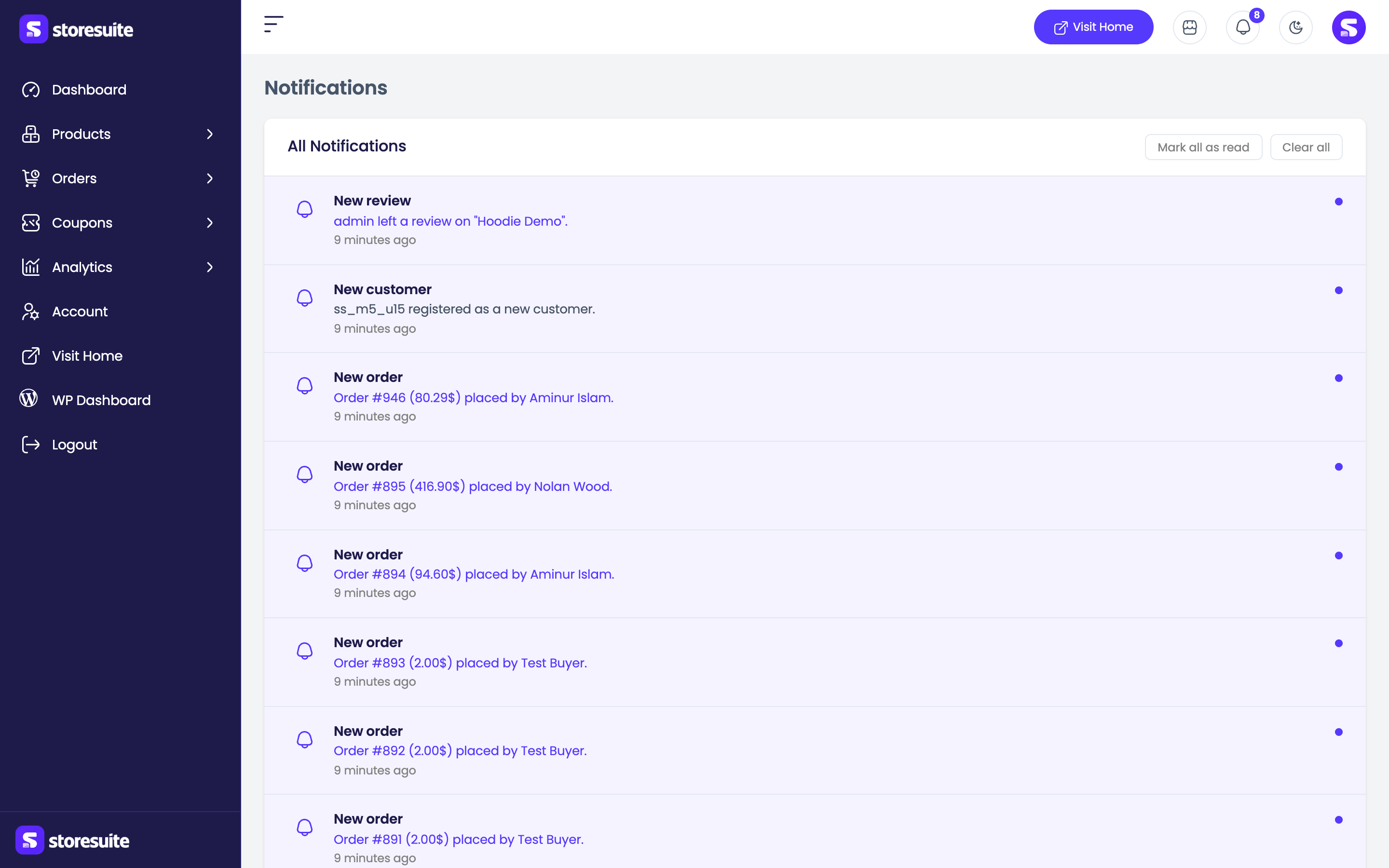
Notifications in the sidebar (or View all in the dropdown) opens All Notifications - the complete history, newest first, with a dot beside the ones you have not seen. Longer lists paginate with the usual “Showing 1 to 15 of 20” count and page controls.
Two buttons sit above the list:
- Mark all as read - clears every unread dot and the bell badge. It only appears when you have unread notifications.
- Clear all - deletes your notification history permanently. StoreSuite asks you to confirm, because it cannot be undone.
With no activity yet you get a No notifications yet! message instead.
What gets a notification
Three events, all on by default:
| Event | When it fires |
|---|---|
| New order | A customer places an order |
| New customer registration | Someone creates an account on your store |
| New product review | A customer reviews one of your products |
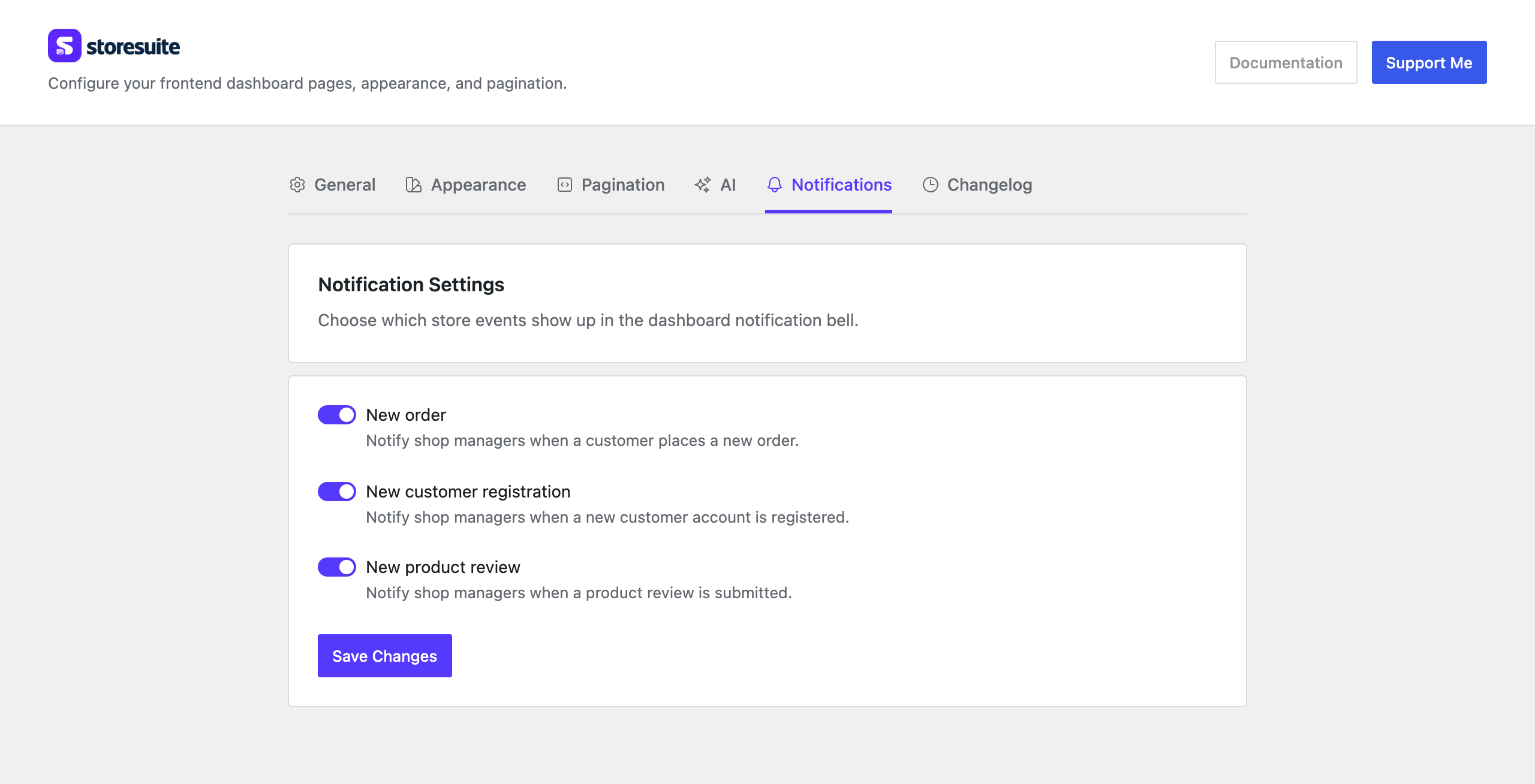
Choose which you want under WooCommerce → StoreSuite → Notifications. Switching one off stops it being recorded from that moment on - it will not pile up unseen in the background. See Settings.
Who sees them
Only users with the manage_woocommerce capability - store owners and shop
managers. Customers never see the bell.
Everyone gets their own copy. You and your shop manager each have your own list, unread count, and history. Reading a notification marks it read for you alone, and Clear all clears only your list. Two people fulfilling orders never hide new-order alerts from each other by opening them first.
Housekeeping
Notifications older than 90 days are removed by a daily cleanup task, so the
table does not grow without bound. Nothing to configure. Developers can change
the window with the storesuite_notification_retention_days filter, and the
poll interval with storesuite_notification_poll_interval.
Tip
Mark all as read clears the badge; Clear all throws the history away. Reach for the first one when you just want a clean bell.